Applications
Available

macOS 15+
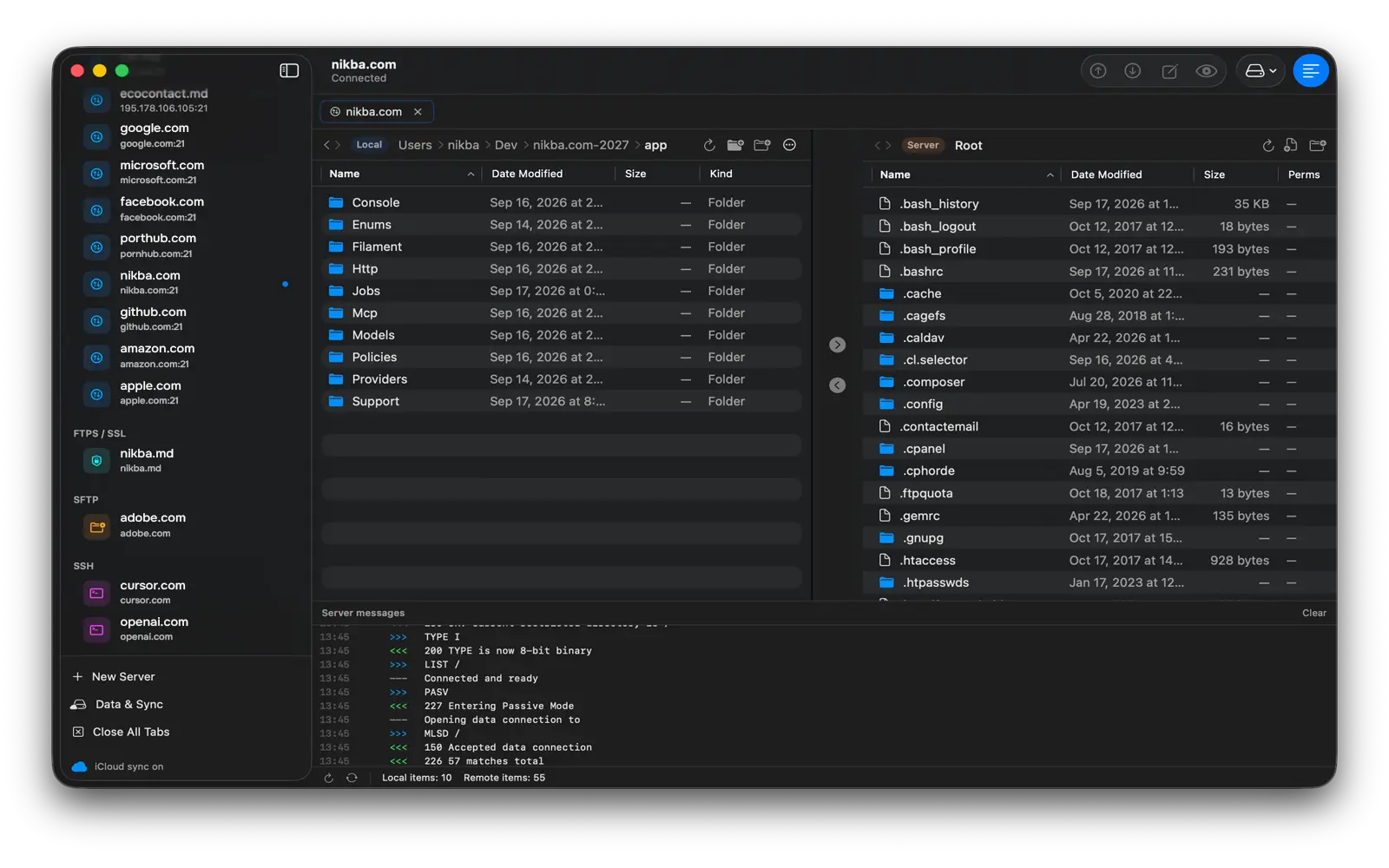
xFTP
A modern, Mac-native FTP, FTPS, SFTP and SSH client that replaces three apps with one — file manager, code editor and terminal, with live server monitoring built in.

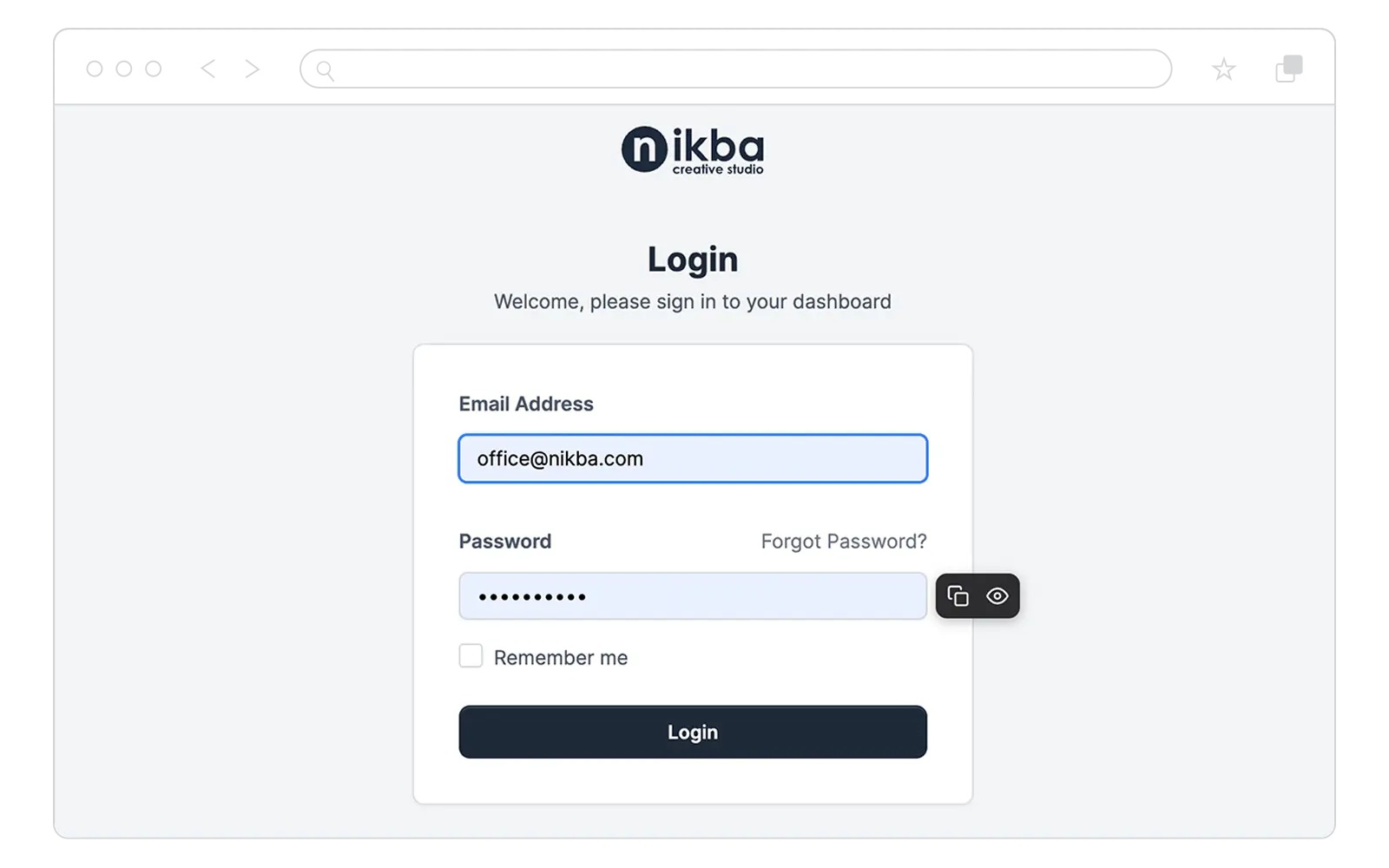
A lightweight browser extension to reveal and copy hidden password fields in one click — 100% local, with zero data collection.
ABOUT THE PRODUCT
ViewPassword is a lightweight browser extension that makes hidden password fields easy to check and copy. It adds a small toolbar next to password and select fields on any web page, so you can reveal what you're typing or copy a value in a single click — without a heavy password manager.
Toggle any masked password between dots and plain text to catch typos before you submit, and copy the contents of password or select fields straight to your clipboard. Everything happens right on the page, exactly when you ask for it.
One-click copying of password and select field values
Reveal or hide any password field on demand
Keyboard shortcuts — Ctrl/Cmd+Shift+C to copy, Ctrl/Cmd+Shift+Y to reveal
Works across Safari, Chrome, Edge and Firefox
Mobile support on iPhone, iPad and Android
ViewPassword runs 100% locally in your browser. It reads a field's value only when you trigger an action, processes it on your device, and never sends anything over the network. Zero data collection, no accounts, and no access to your encrypted password managers.
OTHER PRODUCTS
macOS 15+
A modern, Mac-native FTP, FTPS, SFTP and SSH client that replaces three apps with one — file manager, code editor and terminal, with live server monitoring built in.
Web
A free scanner that checks whether your website complies with Moldova's data-protection Law 195/2024 — the local GDPR — before it takes effect on 23 August 2026.
npm · CSS & JS
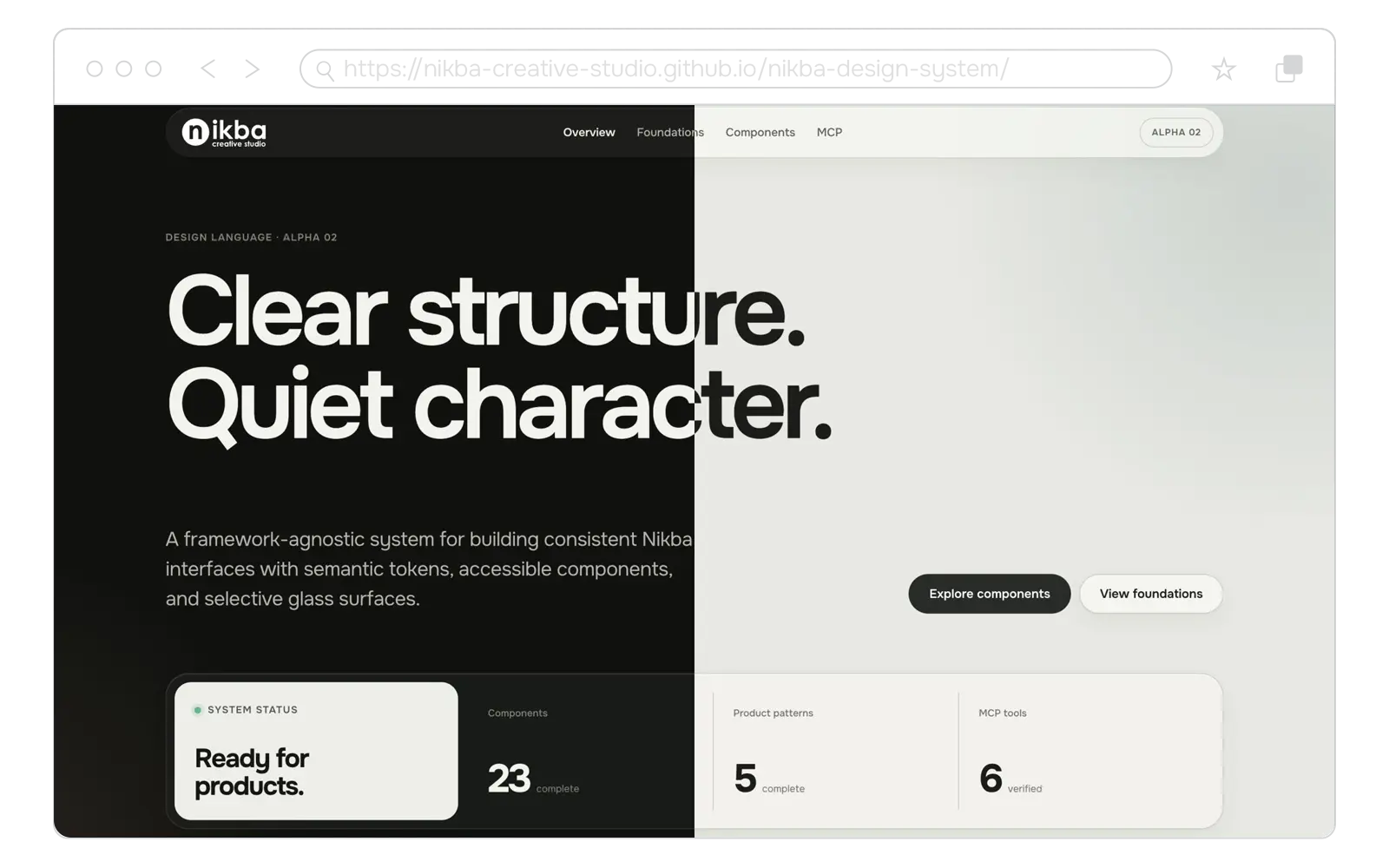
Our open-source design system: neutral, accessible, content-first UI foundations with Onest typography and selective glassmorphism.
We develop custom software and grow validated solutions into products that can scale.